
Download Flipgrid APK – Remote Learning, Video Discussions, Educational Tool, Classroom Engagement
Overview
Flipgrid is a free desktop and mobile application designed to support remote learning environments by enabling educators and students to engage in video-based discussions. The software allows teachers to create topic spaces where students can record and share video responses, fostering interactive and collaborative classroom experiences. It serves as a digital discussion board where learners can express their thoughts through video, promoting deeper engagement and diverse forms of expression.
The platform is particularly useful for teachers seeking to enhance student participation in virtual or hybrid classrooms. While the app is available on multiple devices, the full functionality for class creation is currently limited to the web browser version. The developer did not provide additional information about the organization behind the product.
Real-world use cases include virtual class debates, peer feedback sessions, student reflections, and project presentations. The app supports recording durations from 15 seconds to 10 minutes, giving users flexibility in how they communicate their ideas. The interface is designed with a social media-like layout, which may appeal to younger users but could also introduce distractions if not managed properly.
Key Features & Capabilities
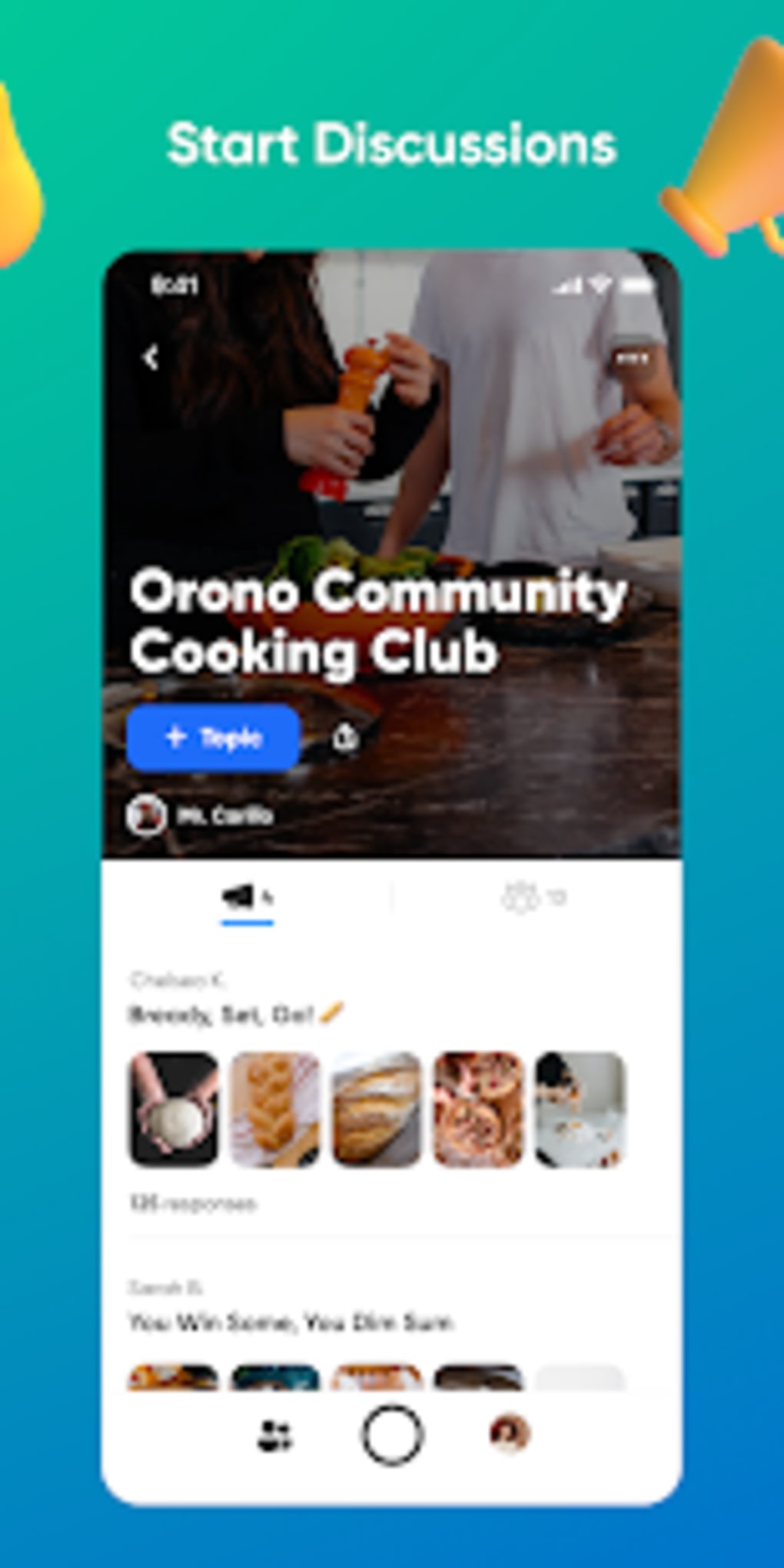
- Video Discussion Spaces – Teachers can create topic-based discussion boards where students post video responses. Each topic can be customized with specific instructions and time limits.
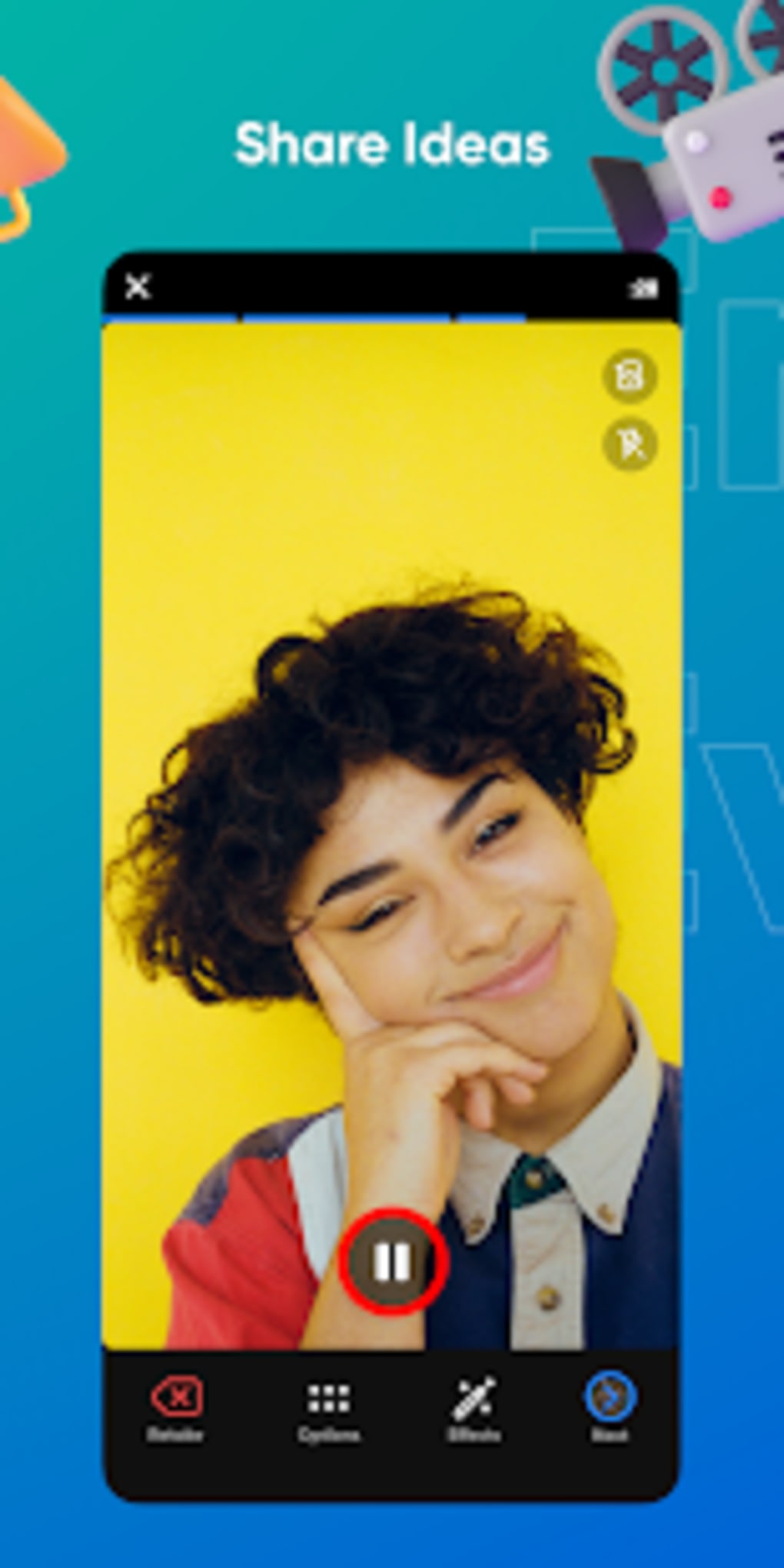
- Flexible Recording Duration – Students can record videos ranging from 15 seconds to 10 minutes, allowing for both concise answers and in-depth explanations.
- Teacher Moderation Tools – Educators can control access, set response limits, and enable or disable features like replies and likes on a per-topic basis.
- CoPilot Moderation – Multiple teachers can co-moderate a single topic, enabling collaborative classroom management across teams or departments.
- Sticky Note Feature – During recording, students can type notes on-screen to help organize their thoughts and stay on topic.
- Customizable Rubrics – Teachers can create and apply rubrics to assess student responses, ensuring consistent and transparent evaluation.
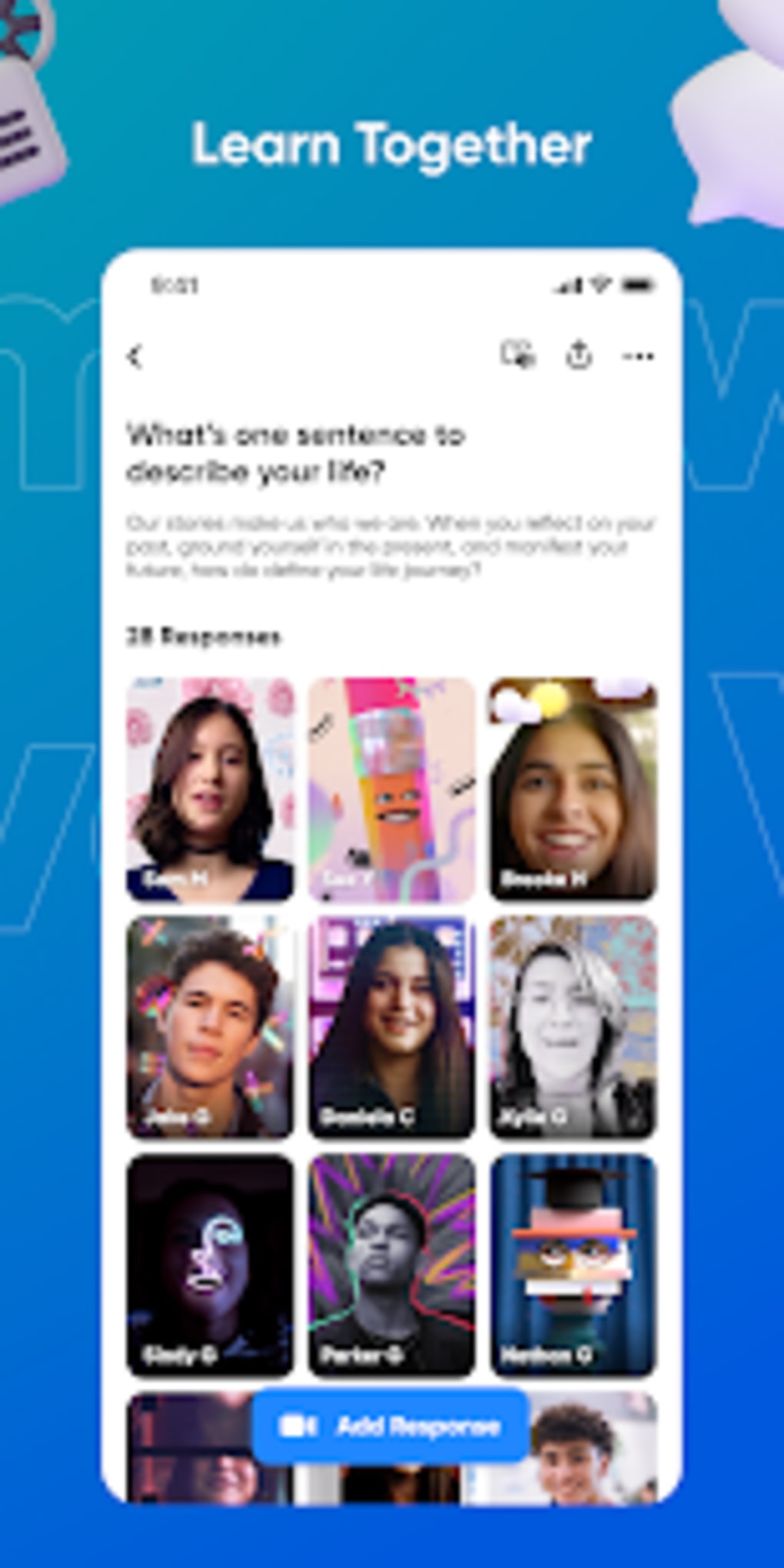
- Interactive Grid Display – Responses are shown in a tiled grid layout, making it easy to browse and view multiple student contributions at once.
These features support a variety of educational activities, from quick check-ins to in-depth project reviews. For example, a history teacher might use Flipgrid to ask students to explain a historical event in their own words, while a language arts instructor could assign video book reviews. The platform’s design encourages creativity and confidence in public speaking, especially for students who may struggle with traditional written assignments. However, the social media-inspired interface may inadvertently encourage off-topic behavior, particularly among younger users. The developer did not specify additional integrations or automation tools.
User Interface, Workflow & Performance
Flipgrid features a clean, modern interface that mirrors popular social media platforms, offering intuitive navigation and visual feedback. The layout emphasizes video tiles, making it easy for users to locate and view responses. The workflow is straightforward: teachers create a topic, students access it via their device, record a video, and submit it.
The process is designed to be quick and accessible, minimizing technical barriers for both educators and learners. The app supports camera-enabled devices, ensuring broad compatibility across smartphones, tablets, and computers. However, exact performance details were not specified.
General software behavior suggests stable operation under typical usage conditions, though users may experience delays during video uploads depending on internet speed. The developer did not provide information about CPU or RAM usage. Stability appears consistent based on reported usage patterns, though some users have noted occasional issues with video uploads.
The interface remains responsive during recording and playback, and the app maintains a low barrier to entry for first-time users.
Compatibility & System Requirements
Flipgrid is available for use on devices with camera functionality, including smartphones, tablets, and desktop computers. The software supports both Windows and Mac operating systems, though specific version numbers were not listed. Installation size is not provided in the available data.
The developer did not specify exact system requirements, including minimum processor speed, RAM, or storage. Compatibility information is limited to platform availability and device functionality. While the mobile version is accessible via APK, the full class management features require access to the web browser version.
Users should ensure their device has a working camera, microphone, and stable internet connection to use the app effectively. The developer did not provide information about offline capabilities or support for assistive technologies.
Pros and Cons
Pros
- Free to use with no cost barriers for educators and students
- Intuitive, social media-inspired interface that encourages engagement
- Supports flexible video recording durations (15 seconds to 10 minutes)
- Enables collaborative learning through video discussions and peer feedback
- Offers customizable rubrics and moderation tools for teachers
- Allows multiple teachers to co-moderate topics via CoPilot feature
- Sticky note tool helps students organize thoughts during recording
Cons
- Full class creation and management require the web browser version
- Mobile version has limited functionality compared to the web platform
- Social media-like design may distract younger users from learning goals
- Some users report difficulties with video upload reliability
- Exact system requirements and performance metrics were not disclosed
FAQ Section
Is Flipgrid free to use?
Yes, Flipgrid is available at no cost for educators and students. The core features for video discussions and classroom engagement are included in the free version.
Can I use Flipgrid on my mobile device?
Yes, Flipgrid can be used on any camera-enabled mobile device. The app is available as an APK for Android and through app stores for iOS. However, full class creation and management are currently only accessible via the web browser.
Is Flipgrid safe for students?
Flipgrid is designed with student safety in mind, offering teacher-controlled environments and moderation tools. All discussions are private and restricted to enrolled users. However, the social media-like interface may require supervision to prevent off-topic engagement.
Do I need an internet connection to use Flipgrid?
Yes, an active internet connection is required to record, upload, and view video responses. The app does not support offline recording or playback.
How often are updates released?
Updates are regularly released to improve performance, add new features, and enhance security. The frequency of updates is not specified in the provided information.
Final Thoughts + CTA
Flipgrid stands out as a powerful, free tool for educators aiming to foster meaningful interaction in remote or hybrid learning environments. Its video discussion model promotes active participation, creativity, and communication skills among students. While the social media-inspired design may pose a distraction risk, the platform’s robust moderation and customization options allow teachers to maintain focus.
The ability to use sticky notes, set time limits, and apply rubrics enhances both learning and assessment. Despite limitations in the mobile version and the need to use the web browser for class setup, Flipgrid remains a versatile and accessible solution. For teachers seeking to make virtual classrooms more dynamic and inclusive, Flipgrid offers a compelling combination of simplicity and functionality.
Download Flipgrid now to transform your classroom discussions into engaging, student-driven experiences.






.png)
